 Motion Studio
Create videos with AI
Just the way you imagine them
Motion Studio is AI video editing software. Turn your ideas into animated videos for TikTok, Reels and Shorts, then edit every scene.
For now, Mac with Apple Silicon only (M1 and later).
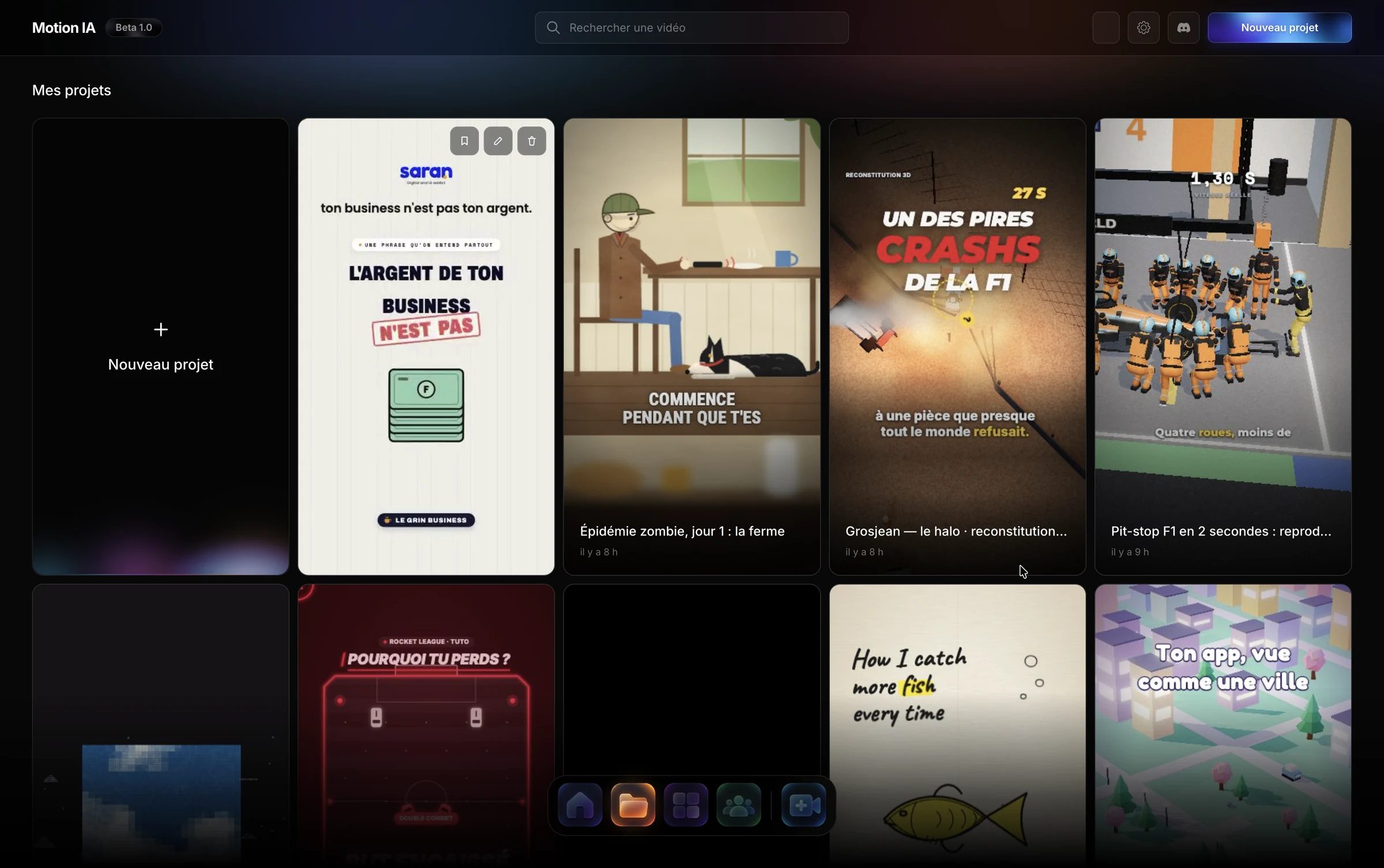
Describe your idea. The AI creates your video.
Write what you want to tell. The AI generates a first animated version, with scenes, texts and animations.
Generate from a prompt
Describe your video in a few words. The AI builds the scenes and animations to bring your idea to life.
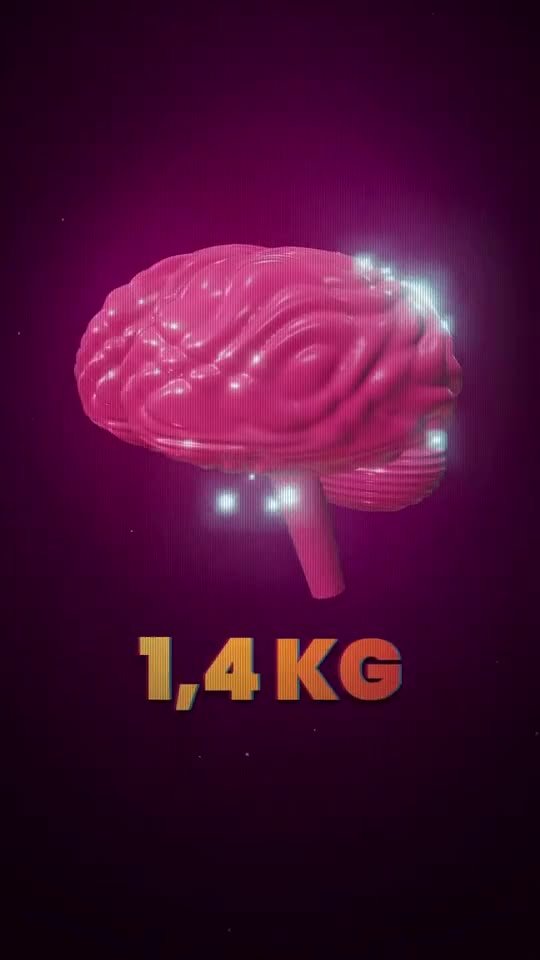
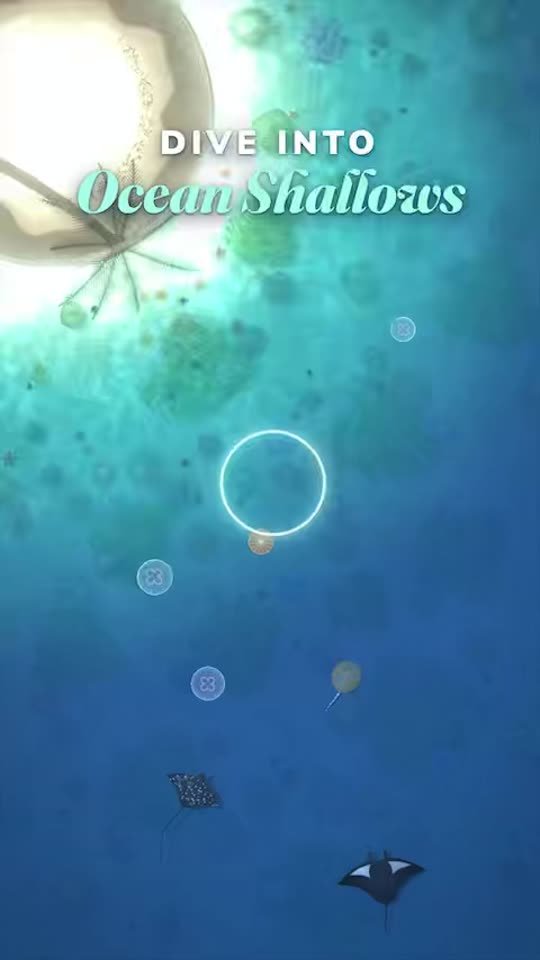

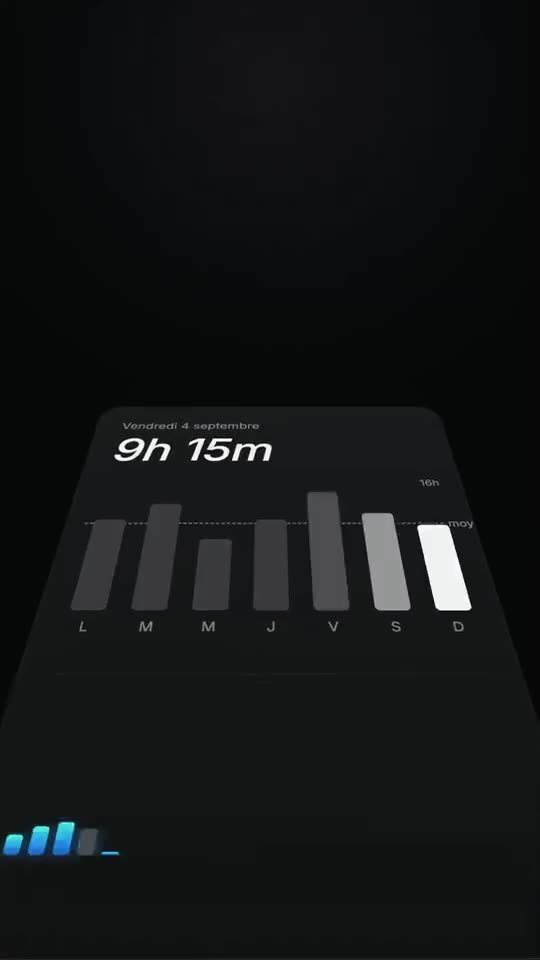

Customize every scene
Edit titles, colors, visual elements and animations in a complete editing workspace.
Generated by AI. Editable at any time.
Your videos stay customizable: select an element, change the texts and colors, arrange your scenes on the timeline.
in motion.
0.00 / 3.00sClick an element to customize it.
Arrange your scenes, texts and video tracks.
Find every element of each scene and edit it.
One template, endless possibilities.
Pick a style you like, describe a new topic: the AI creates an original video in the same style.
Use community templates or your own creations.
Templates for every style of video.





Edit your videos simply by chatting with the AI.
Change a text, add an animation or rework a scene: just tell Motion IA.
title · expo.out · 0.90sEdit in a few words
Ask the AI to change a color, rephrase a title, adjust an animation or modify an existing scene.
Reuse a video's style
Use a creation as a reference to recover its visual universe and adapt it to your own content.
Add your voice-over
Import your audio recordings or create a voice-over, then fit it into your edit to carry your animations and storytelling.
Videos made for social media.
Short animated videos for TikTok, Reels and Shorts, made to grab attention from the first seconds.
01Vertical 9:16 formatCreate videos suited to TikTok, Reels and Shorts.
02Captivating videosCombine animated texts, visuals and transitions to give your content rhythm.
03Create fasterStart from an idea or a template to save time on creation and editing.
04Several languagesCreate videos with texts in English or French for different audiences.
05Keep your creative freedomCustomize your scenes and animations to build a visual identity that looks like you.
06FreeDownload Motion Studio and create for free with your Claude subscription.
Your AI editing studio, on Mac.
Download Motion Studio for macOS and create your first videos with AI.
Motion Studio for macOS
Install the software on your Mac and start creating your videos with artificial intelligence. Apple Silicon (M1 and later).
Download for MacYour own AI, no extra subscription
Motion IA works with your Claude account: connect it once in the app, and you benefit from a powerful AI to create and edit your videos.
How it worksFrequently asked questions about Motion Studio
Everything you need to know to get started.
What is Motion Studio?
Motion Studio is AI-assisted video creation and editing software. It lets you generate animated videos from a description, customize the scenes and reuse templates to create new content. It is especially suited to short videos for TikTok, Instagram Reels and YouTube Shorts.
How do I create a video with AI?
Describe the video you want to create: its topic, its style and the elements you would like to see. Motion Studio uses AI to generate a first version with scenes and animations. You can then edit the result in the editor or ask Motion IA for new changes.
Can I edit a video after it is generated?
Yes. Generated videos are not frozen. You can edit the texts, colors, graphic elements, animations and the order of the scenes. Motion Studio also offers an editing timeline and an AI assistant to make changes from simple instructions.
How do video templates work?
Templates let you reuse an existing visual style. For example, pick an animated video in a comic-book style, then ask the AI to create a new video on another topic. Motion Studio can keep the template's graphic identity and animations to create different content.
Do I need to know how to code or edit videos?
No. Motion Studio is designed to let you create videos without writing code. You can explain your idea in plain language, use a template or make changes directly in the visual interface.
Is Motion Studio available on Mac and Windows?
Motion Studio is currently available on macOS (Apple Silicon). A Windows version is in development.
Is Motion Studio free?
Yes. Motion Studio is free to download and use. Motion IA works with your own Claude account.